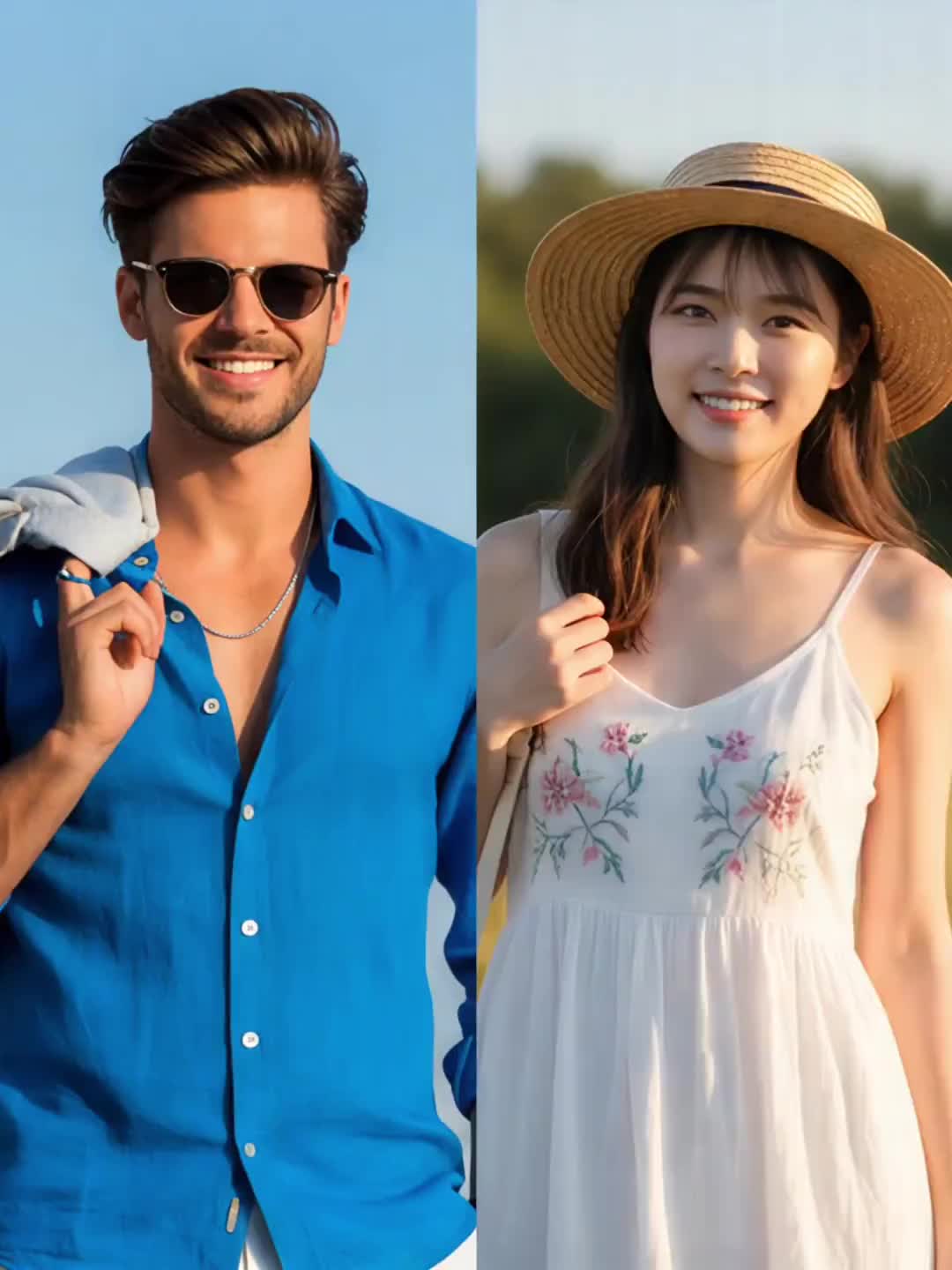
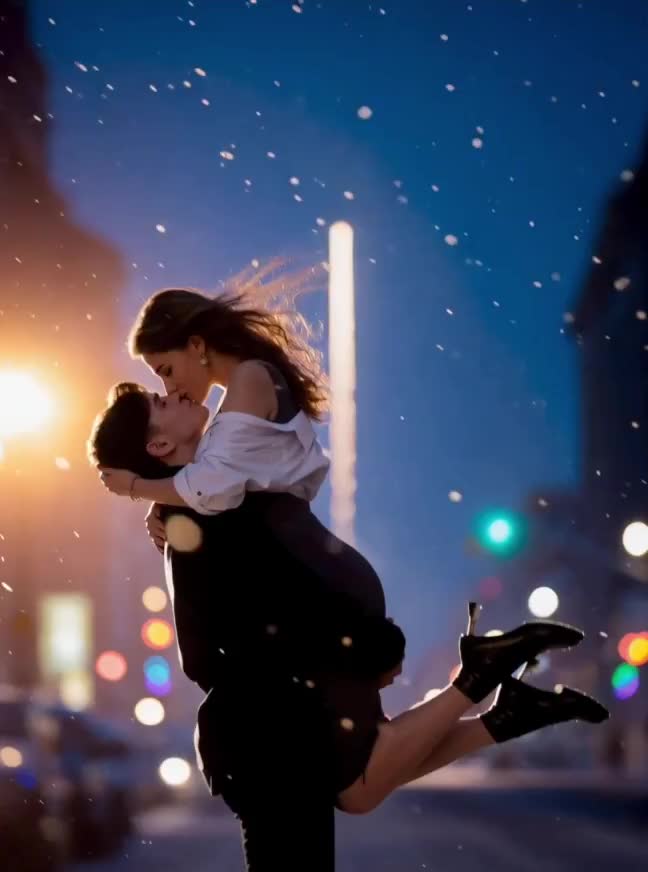
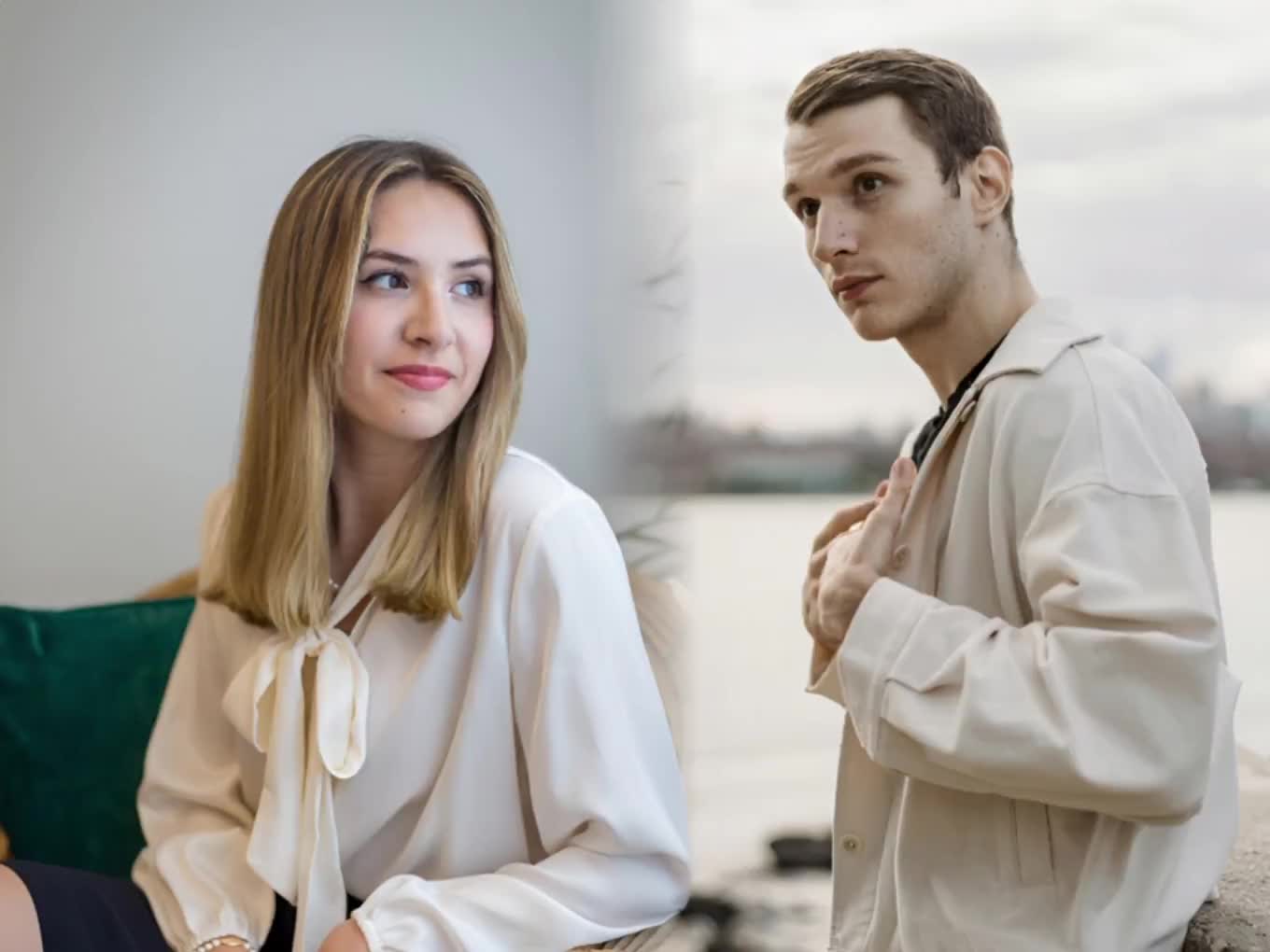
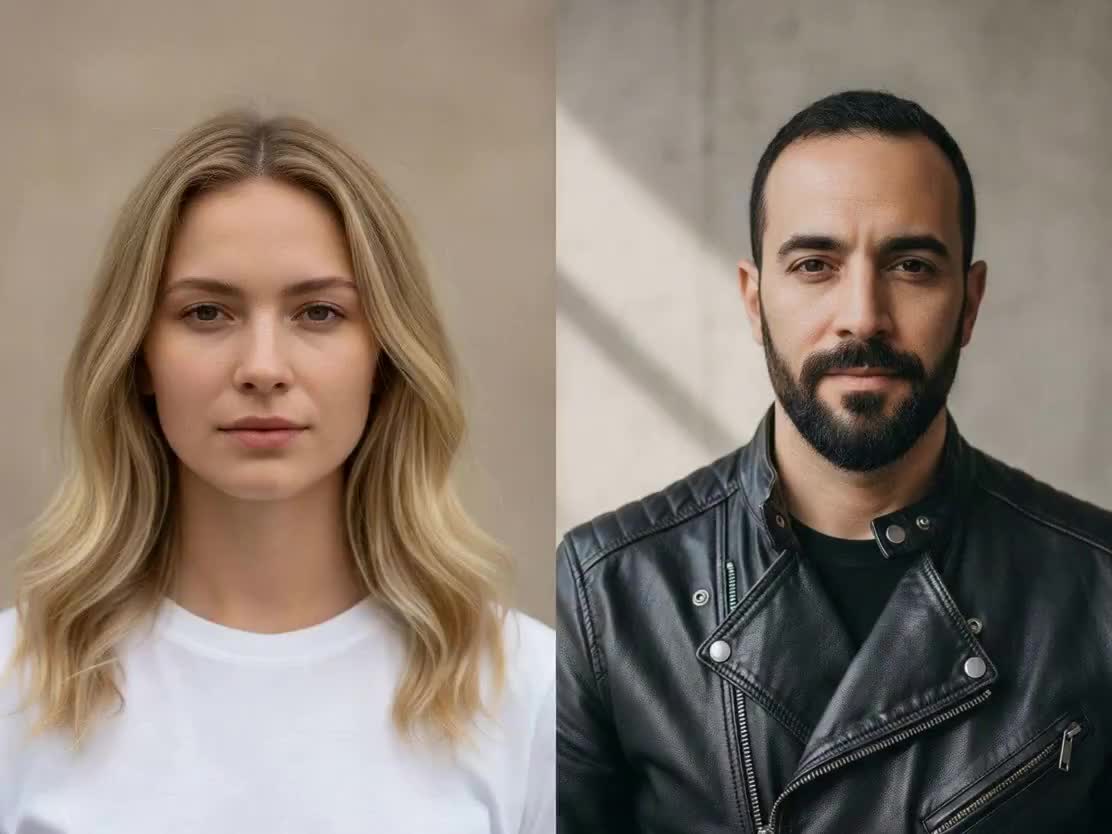
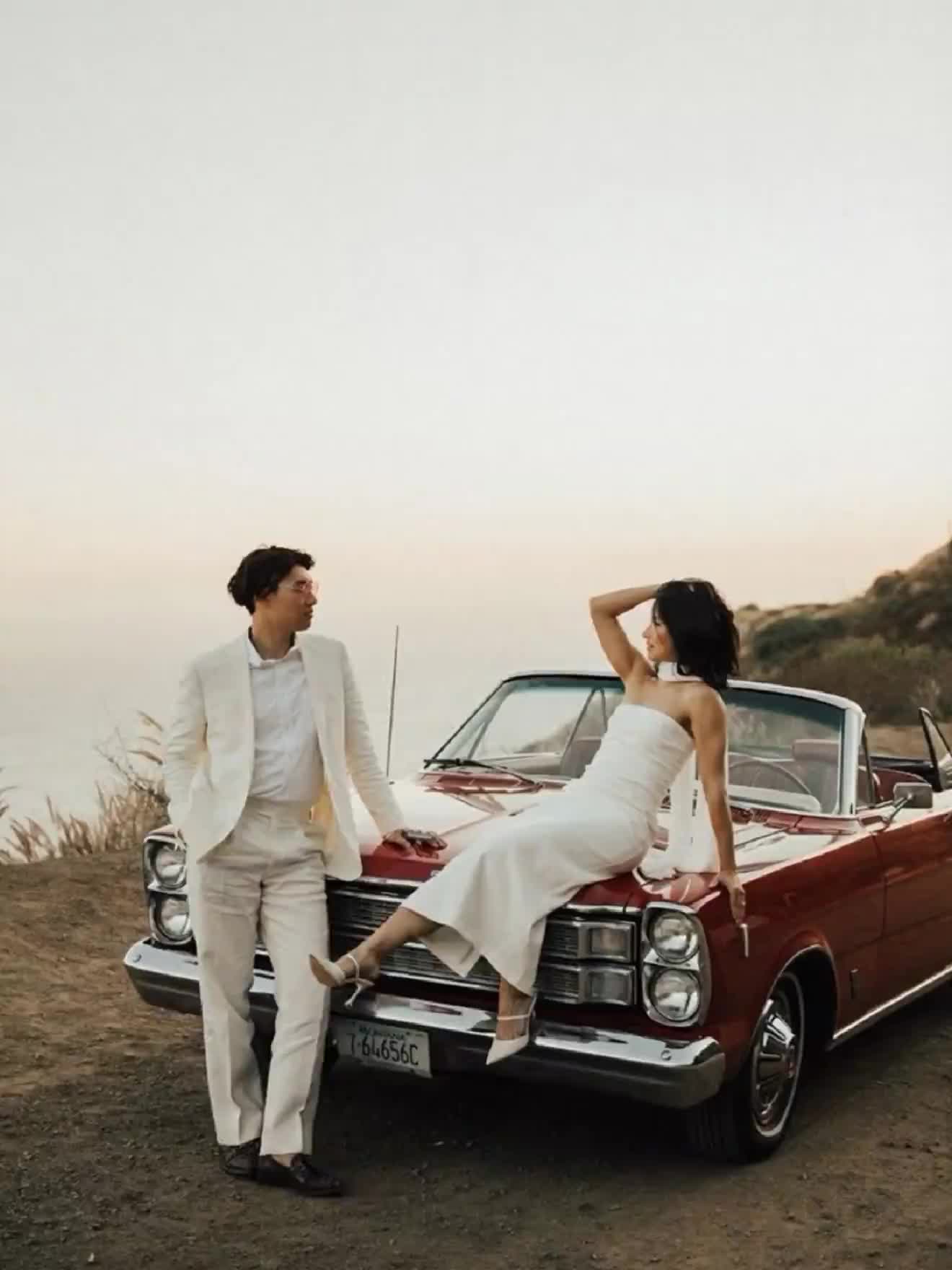
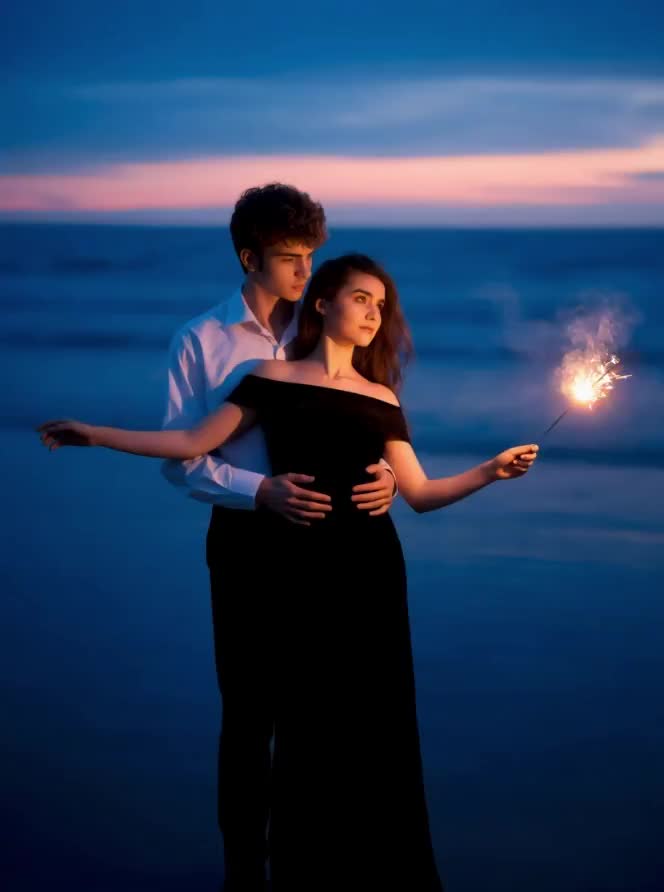
Create a realistic hug video from just one photo. This AI hug from photo tool turns a single image into a natural, emotional moment in seconds — no editing, no second image required.
With just a single image, you can transform a still moment into a natural, emotional hug video. Unlike traditional tools that require two separate photos, this version is designed for situations where you only have one picture, whether it’s a personal portrait, a group photo, or an old memory you want to revisit. The result feels less like an effect and more like a moment that was actually captured in motion.
A single image can lead to very different types of results depending on the context. A solo portrait can be turned into a symbolic self-hug, giving the image a more emotional and expressive meaning. A group photo can become a warm interaction between friends or family members, where people who were once static now feel connected. Even older photos can be reimagined, allowing past moments to feel present again in a subtle but powerful way.
The realism comes from how the motion is generated rather than simply applied. The system takes into account posture, distance, and perspective, which allows it to simulate how people would actually move in real life. Because of this, the final video avoids the stiffness often seen in basic animation tools and instead feels fluid, balanced, and believable.
This type of AI hug is especially effective for content that relies on emotion rather than complexity. Many people use it to enhance personal photos, recreate meaningful memories, or create short-form videos for platforms like TikTok, Reels, and Shorts. It works well when the goal is to make something simple feel more alive and engaging without adding unnecessary visual noise.
For the most natural output, it helps to use a clear image where faces are visible and not heavily obscured. Photos with natural lighting and minimal blur allow the system to better interpret the scene, which leads to smoother motion and more convincing interaction in the final video.
Upload one image and turn it into a natural hugging video in seconds. No subscription. Pay only for what you use.